


The e-ink reader that sets right-to-left books properly, Farsi first. English and many others too, and it reads along with narrated books.
Most e-readers handle Farsi badly: paragraphs set backwards, lines broken differently from a browser, a narrated book they will not play. ShamsaInk is a reader built for the job. It opens the same EPUBs you get from FarsiEPUB, and any other EPUB too.
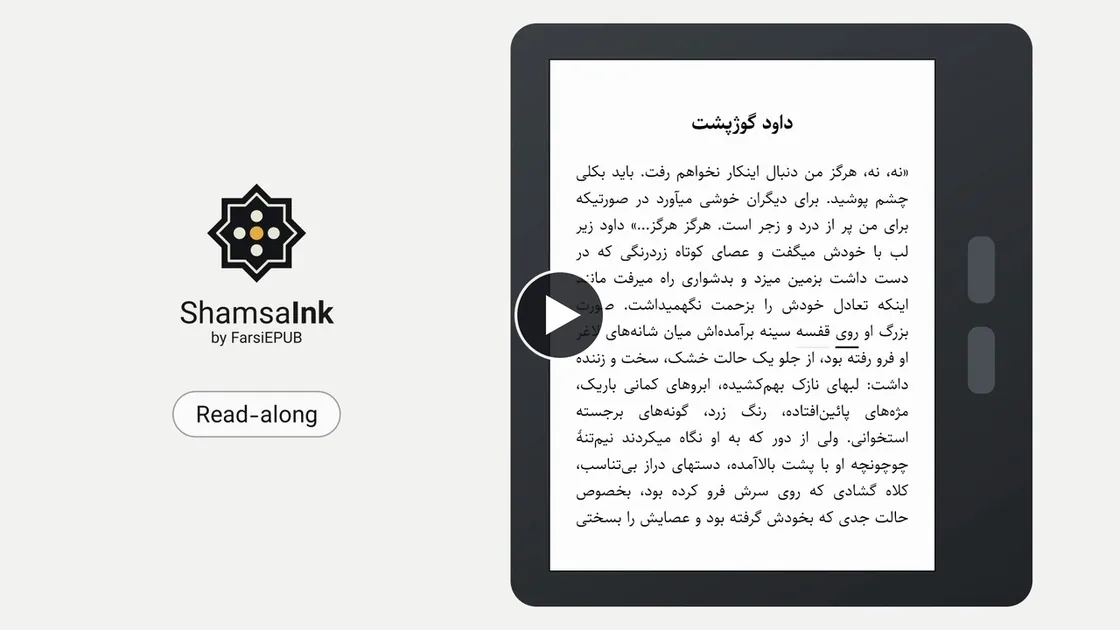
What it doesRight to left, English and more, and reads along
- Right to left, English and more. Farsi, Arabic, Urdu and Hebrew set right to left properly, with joined letters and a browser’s line breaks; English and many others too.
- Quick. Fast to open, and pages turn without flashes.
- Yours to adjust. Size, highlights, dark mode, light and warmth.
- Reads along. Each narrated word underlined as it is spoken.
- Sleep screens. A poem from FarsiEPUB, or your own pictures.
- Adapts to your book. Farsi or English menus*, in the book’s direction.
* Menus in Arabic, Hebrew and the other right-to-left languages are planned.
DevicesTried on a Kobo and a Kindle so far
| Kobo Libra Colour | Kindle Paperwhite (11th generation) | |
|---|---|---|
| Tried on firmware | 6.0 | 5.19.2 |
| Needs first | Firmware 5 or newer | A jailbreak |
| Install | One command | One command |
| Right-to-left reading | Yes | Yes |
| Dark mode, light and warmth | Yes | Yes |
| Sleep screen | Yes | Yes |
| Read along, with sound | Yes, with Bluetooth headphones | Limited by the Kindle* |
* On a Kindle, Amazon’s software disconnects Bluetooth headphones after 20 minutes unless its own Audible player is playing, so read-along with sound waits for a way around it.
Other Kobo models, PocketBook and reMarkable are not tried yet.
Phones and tablets running Android are not planned: they already have good readers, and e-ink devices running Android use much more battery.
InstallOne command for a Kobo or a Kindle, free and open source
You need a Mac or Linux computer. Plug the device in over USB (on a Kobo, tap Connect), and run this in a terminal:
curl -fsSL https://raw.githubusercontent.com/ardeshirj/shamsaink/main/install.sh | shIt finds the device, downloads the newest release for it, checks it and copies it on. To do it by hand, see the install guide.
On a Kobo
- Check the firmware: ShamsaInk needs 5 or newer (Settings > Device information). On firmware 4, update the Kobo first.
- Run the command above. On a Mac it ejects the Kobo; on Linux, eject it yourself. The Kobo shows “Updating” and restarts by itself, in about a minute, and you can unplug it.
- Open More (bottom right of the home screen) > ShamsaInk.
After every Kobo firmware update, run the command again: the update removes ShamsaInk from More. Your books, settings, places and highlights stay.
On a Kindle
- Jailbreak it first, with the Kindle Modding Community’s tools. A jailbreak can go wrong and can end your warranty; it is your choice, and not one we can support. If that is not for you, read on a Kobo, or in your browser.
- Run the command above. On a Mac it ejects the Kindle; on Linux, eject it yourself.
- Open ShamsaInk from the library, where it has its own cover.
To leave ShamsaInk, tap Leave in the library’s menu (from a book, the arrow at the start of the bar goes to the library first). On a Kobo, its home screen is back in about ten seconds.
To remove ShamsaInk, run the same command with sh -s uninstall at the end. It asks first, and takes ShamsaInk’s books,
settings and highlights with it.
Questions or a problem? Write to contact@farsiepub.org, or open an issue on GitHub.
ShamsaInk is free and open source, on GitHub under the Apache License 2.0 (the names and logos are not covered by it). The releases are early test versions, tried on a Kobo Libra Colour and a Kindle Paperwhite only.
Let a poet watch over it while it sleeps
Put your Kobo down and Hafez is still there. Press the power button and the screen keeps a couplet in large script, with a few lines underneath on what it means. Tomorrow it may be Rumi, or Saadi, or Ferdowsi. Each comes in light and dark, and it costs the battery nothing: an e-ink screen holds its picture without power.


Download the poemsOne small file, 14 KB, freeDownload
- Download
sleep-screens.ymlwith the button above. - Plug in your device over USB (on a Kobo, tap Connect).
- Copy the file into ShamsaInk’s
sleepfolder:.adds/shamsaink/sleep/on a Kobo (a hidden folder: on a Mac, Cmd-Shift-. shows it),shamsaink/sleep/on a Kindle. - Eject the device. Each time you press the power button, it shows one of the poems at random, drawn to fit your screen.
When we add or correct a poem, download the file again and replace the old one.
About the poemsWhere they come from
Classical poems, in the public domain. Texts and vowel marks from Ganjoor, the free library of Farsi poetry, with thanks. The short explanations are ours, not yet checked by a specialist reader.